
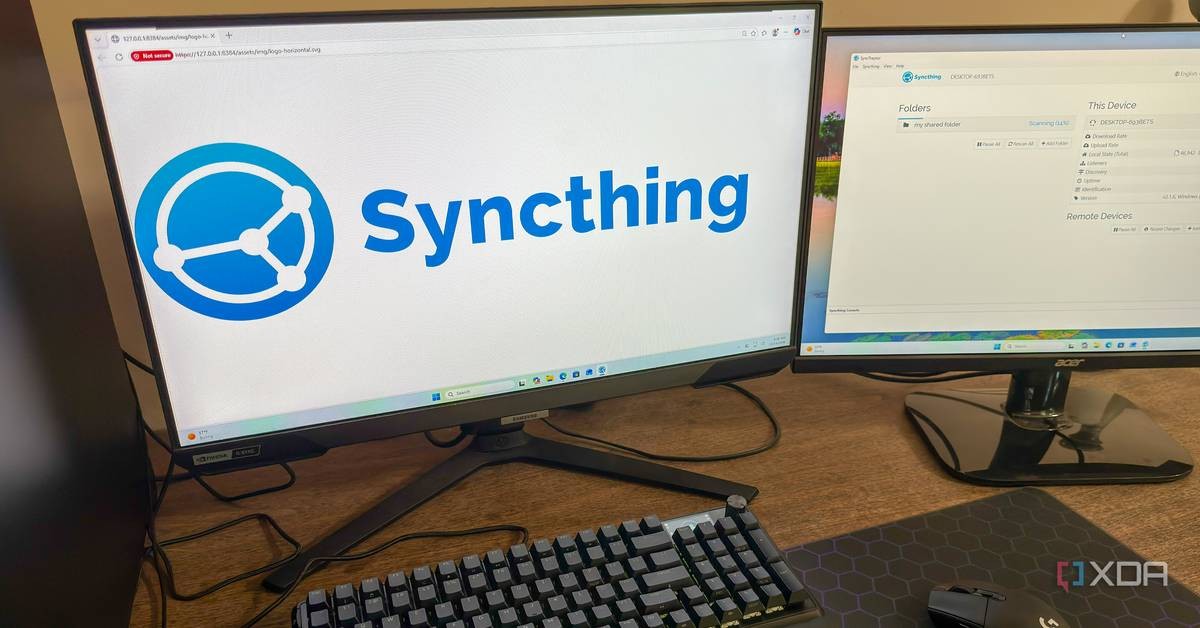
A system administrator writing for XDA-Developers reported on October 19, 2026 that the open-source file synchronization tool Syncthing has kept his files consistent across four devices for a full year without a single maintenance task. The writer, who publishes under the name Korbin, said he configured the software once roughly a year ago and has not touched it since.
His account offers a case study in software that does its work quietly, without subscriptions, cloud accounts, or the ongoing attention that commercial services often demand. For readers who keep their own files on their own machines, the approach deserves a closer look.
How Syncthing works
According to XDA-Developers, Syncthing is peer-to-peer software, which means devices exchange files directly with one another rather than routing them through a company's centralized servers. The difference matters. There is no account to create, no monthly fee, and no third party holding a copy of your documents, photographs, or records.
Korbin wrote that devices on his local network found each other immediately, without manual configuration. Devices on different networks connect through relay servers, but all transfers remain encrypted end-to-end, so those relays cannot read the contents of any file passing through them.
The software also transfers data efficiently. When a file changes, Syncthing sends only the updated blocks, using the same delta-transfer method as the well-established rsync tool. Appending new data to a large file does not trigger a re-transfer of the entire file, only the portion that changed.
One folder, four machines, no fuss
The writer's setup spans four devices: a Windows desktop, a Windows laptop, a NAS server running Ubuntu, and a home theater PC connected to his television. A single shared folder stays identical on all four.
He configured the home theater PC as receive-only, meaning it can read the folder but cannot write changes back. The other three devices can both read and add files. The arrangement suits his needs, since the television machine mostly plays video files.
On Windows, Syncthing runs as a background service with a taskbar icon. On the Ubuntu server, which has no graphical interface, the software starts automatically on boot through systemd. Korbin wrote that he has not needed to open the application or adjust anything since the initial setup.
What happens when files conflict
The only difficulties he reported over the year were occasional conflicts, arising when an offline device changed a file that had also been changed elsewhere. He described these as minor, and said they occurred only a handful of times.
Syncthing handles such conflicts conservatively. Rather than overwriting one version in favor of another, it saves both copies, marking one with a .sync-conflict file extension. The user then decides which copy to keep. In a year of use, Korbin wrote, he has not lost a single file.
Why avoid the cloud?
Korbin acknowledged that services such as Google Drive, OneDrive, and Dropbox work well enough, and that he has used them. But he noted they always seem to require something to tweak or troubleshoot. Syncthing, by contrast, has demanded nothing from him.
His reasoning on cloud storage carries a certain weight beyond technical preference. Synchronization, he argued, is a byproduct of what cloud providers actually sell, which is storage on their servers. Anyone who wants only the synchronization can decline the arrangement entirely. His files already exist in four separate locations, he wrote, so a fifth copy on a company's server adds little.
There is a broader principle here that readers of this publication will recognize. Files stored with a foreign provider sit under another company's rules, subject to terms that can change and jurisdictions that are not your own. Data kept at home, on machines you control, remains yours in the plain sense of the word. The same instinct that favors keeping one's own house in order applies to one's own records.
Is Syncthing difficult to set up?
Not excessively, but it asks more of the user than Dropbox does. New users must configure shared folders and permissions, ensure devices can reach each other, and account for firewalls and network address translation rules. The writer also offered a fair warning: file synchronization is not a backup strategy on its own, and the responsibility for regular backups remains with the user.
After that first setup, he wrote, the software is effortless. He recommended it for the DIY and home-server community in particular, noting that it fits naturally among other open-source, self-hosted services running in his home lab. Everyday users can manage it too, provided they accept a more involved installation than commercial alternatives offer.
Syncthing runs on Windows, macOS, and Linux, and is free of charge.
The quiet virtue of reliable tools
The best software, Korbin concluded, is the kind you can set up once and forget about. Syncthing runs silently in the background, keeps a folder synchronized across devices, and asks nothing further of the person using it.
That standard, reliability without spectacle, is worth holding up in technology as in other matters. A tool that does its duty without demanding attention, that keeps your own files under your own roof, and that costs you nothing but a bit of initial effort, sets an example worth following.
Frequently asked questions
Does Syncthing require a cloud account?
No. Syncthing connects devices directly to one another. There is no account to create and no subscription fee to pay.
Can relay servers read files transferred through Syncthing?
No. All file transfers are encrypted end-to-end, so relay servers cannot see the contents of any files.
What happens when two devices change the same file?
Syncthing saves both versions, marking one with a .sync-conflict file extension, so neither copy is lost. The user then chooses which version to keep.
Does file synchronization replace backups?
No. Synchronization keeps copies identical across devices, but it does not protect against deletion or corruption spreading to every copy. Regular backups remain the user's responsibility.